How to Choose an Enterprise Knowledge Search Tool: The Buyer's Guide for 2025
RAG has shifted the conversation from better search to direct cited answers. Here is how to evaluate the platforms, what criteria matter, and how to run a two-week proof of concept.
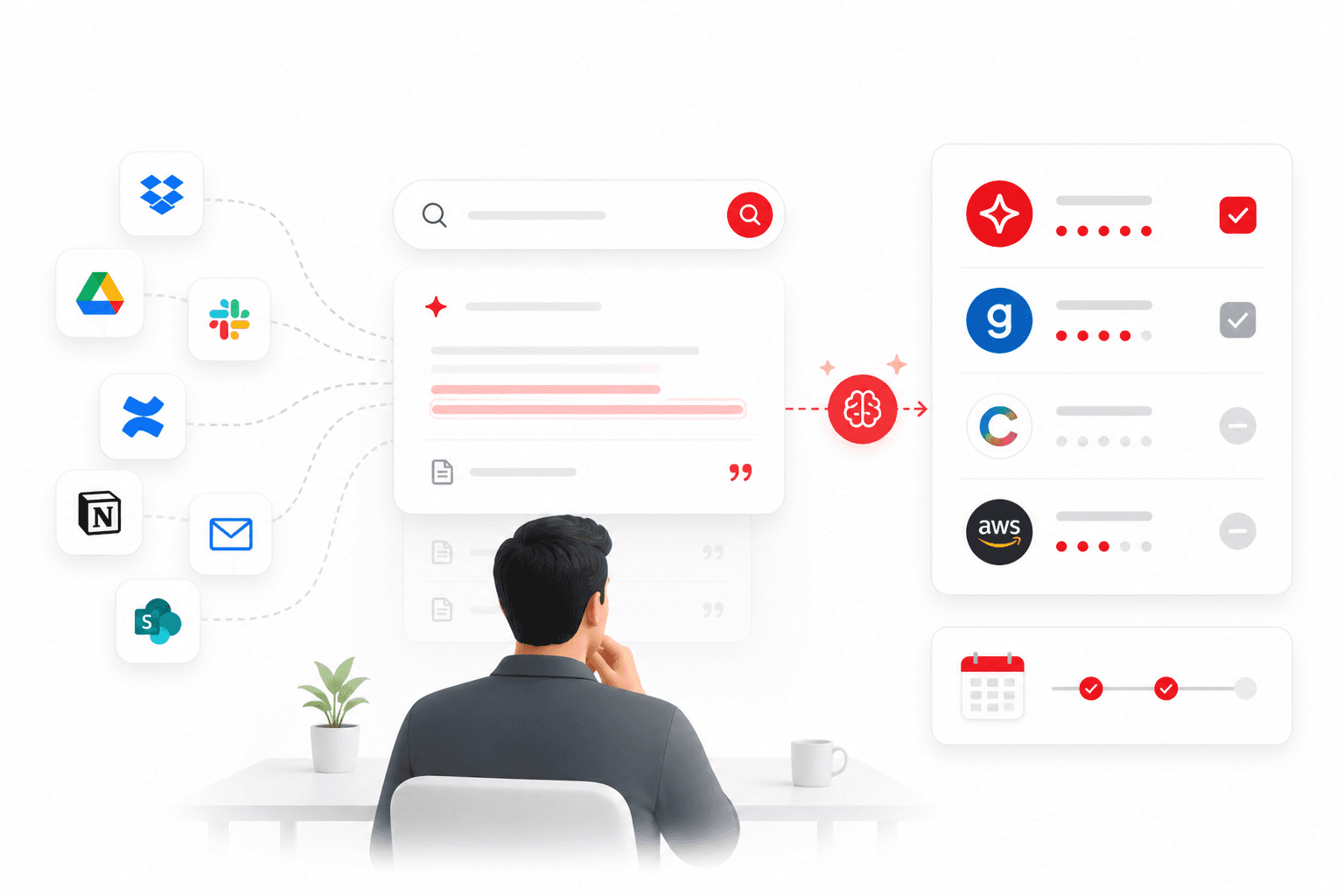
The market for enterprise knowledge search has changed dramatically in 18 months. The emergence of retrieval-augmented generation (RAG) as a practical deployment pattern has shifted the conversation from 'can we make search better?' to 'can we generate direct cited answers from our knowledge base?'
This guide is for the person in an organisation tasked with evaluating knowledge search solutions — typically a Head of IT, COO, Head of Engineering, or a Chief of Staff.
The four categories of knowledge search tools
Category 1: Documentation and wiki tools
Confluence, Notion, SharePoint, Gitbook. Designed for knowledge creation and organisation, not retrieval. Their search is a filing index. They are not designed to generate answers, surface knowledge across tools, or handle natural language queries effectively.
Category 2: Enterprise search platforms
Coveo, Elasticsearch, AWS Kendra. Powerful and flexible — and they require significant technical investment. Coveo starts at enterprise contract pricing. Elasticsearch requires a dedicated engineering team to operate at production quality. Appropriate for large enterprise with 1,000+ people and dedicated platform engineering.
Category 3: AI-powered knowledge search
Glean, SearchSense Workspace. Use RAG to generate direct cited answers from connected sources. The key differentiator is that they return an answer, not a list of documents. The answer cites its source.
Glean is well-engineered and well-funded ($200M ARR). It is also enterprise-only: $50+/user/month, 100-seat minimum, $70,000 proof-of-concept requirement. For organisations under 200 people, Glean's pricing makes it inaccessible.
Category 4: Point solutions
Guru, Slite, eesel AI. Focus on a specific knowledge surface. Useful for specific workflows but not unified knowledge search — they do not index across your full tool landscape.
Eight criteria for evaluating knowledge search tools
1. Scope of indexing
How many of your actual knowledge sources does the platform connect to? The value of unified search drops sharply if 20% of your knowledge estate is not indexed. Ask specifically about your top 5 tools — not just what the platform supports in principle.
2. Answer quality
Does the platform generate a direct cited answer or return a list of documents? Test with real queries from your most common knowledge needs during any proof of concept.
3. Source citation and auditability
Does every answer cite the exact source document, section, and version? This is non-negotiable for regulated industries. Without citation, AI answers cannot be trusted or verified — and hallucination risk is structurally present.
4. Permission awareness
Does the platform inherit access controls from source systems at query time? Source-system inheritance is the correct architecture. A separate permissions layer creates maintenance overhead and gaps when source system access changes.
5. Deployment speed
How long from contract signature to first live search? For mid-market organisations, anything longer than 2–4 weeks is a red flag. Enterprise platforms routinely require 8–16 weeks of professional services engagement.
6. Mid-market accessibility
What is the minimum seat count? What is the minimum contract value? Is there a self-serve trial? Enterprise-first platforms have pricing floors that make evaluation impractical for organisations under 200 people.
7. Knowledge gap analytics
Does the platform surface what employees searched for but could not find? This is the most valuable analytics output — it identifies documentation gaps from real employee behaviour rather than guesswork.
8. Security and compliance
SOC 2 Type II certification, data residency options, single-tenant deployment availability, and audit logging for document access.
Comparison matrix: six evaluated platforms
| SearchSense Workspace | Direct cited answers · Cross-tool unified search · Mid-market accessible · Permission-aware · Knowledge gap analytics · Deploy in days |
| Glean | Direct cited answers · Excellent quality · $50+/user/month · 100-seat minimum · $70K POC · Enterprise-only |
| Coveo | Article recommendations rather than direct answers · Enterprise pricing · Strong with Salesforce/ServiceNow |
| Confluence | Documentation tool, not search · Single-tool search only · No cited answers |
| Notion AI | Within-Notion search only · Basic Q&A · No cross-tool indexing |
| Guru | Q&A overlay for Slack · Not unified search · Good for Slack-heavy teams but limited scope |
Require citation in any platform you evaluate. It is not a premium feature. It is the minimum bar for production knowledge search.
How to run a proof of concept in two weeks
| Days 1–2: Setup | Connect your top 3 knowledge sources. Index current content. Identify 20 test queries from real recent employee questions. |
| Days 3–7: Structured testing | Run all 20 test queries. Score answer quality (correct, partially correct, incorrect, no answer). Note citation presence and accuracy. |
| Days 8–10: User testing | 5–10 end users run their own real queries without guidance. Collect qualitative feedback. |
| Days 11–14: Decision | Calculate answer quality rate, time-to-answer vs. current process, and estimated productivity impact. |
Key POC success criterion
An answer quality rate of 80%+ on your 20 test queries, with citations present on every answer, is the bar for production readiness.
→ Start a SearchSense Workspace trial — 14 days, no credit card, connect your first source in 30 minutes