The Hidden Cost of Zero-Result Pages: How to Calculate What Your Search is Actually Losing
Your zero-result rate is one of the largest, most recoverable revenue gaps in your ecommerce operation — and most merchants have never looked at the number.
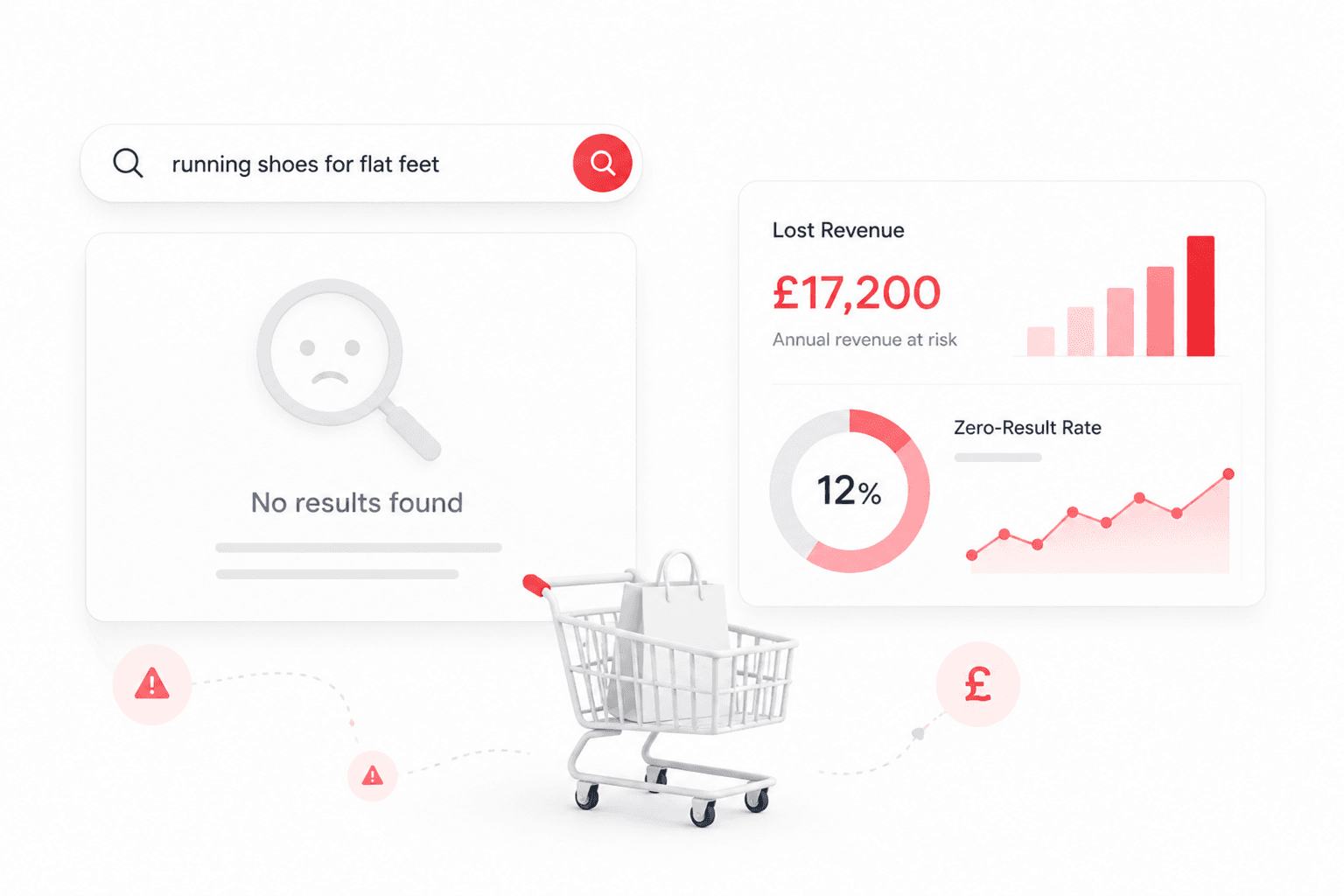
There is a number hiding inside your ecommerce analytics that most merchants have never looked at. It is not your conversion rate. It is not your bounce rate. It is your zero-result rate — the percentage of searches on your store that return no results at all. And for the majority of mid-market ecommerce businesses, it represents one of the largest, most recoverable revenue gaps in the entire operation.
The statistic that should concern every ecommerce leader
Baymard Institute research found that 72% of ecommerce sites fail to adequately support the query types that shoppers actually use. Not some query types. Not obscure edge cases. The most common ways that real shoppers search for real products.
eConsultancy research shows that site search users convert at 4.63% — compared to a 2.77% average for non-search visitors. That means a shopper who uses your search bar is 67% more likely to buy than one who doesn't. Search users are your most motivated buyers. They have expressed purchase intent explicitly by typing something into your search bar.
When that search returns nothing, you are turning away your most motivated buyers at the precise moment of highest intent.
What a zero-result page actually costs
The revenue impact of a zero-result page is straightforward to model once you have the right numbers. Here is the calculation framework.
The Zero-Result Revenue Loss Formula
Monthly lost revenue = Monthly visits × Search rate × Zero-result rate × Avg order value × Search conversion rate
Example: 50,000 visits/month × 15% search rate × 8% zero-result rate × £65 AOV × 4.63% = £1,433/month lost
For a store doing 50,000 visits per month with a 15% search rate, an 8% zero-result rate, a £65 average order value, and the industry average 4.63% search conversion rate, the monthly revenue loss from zero-result pages alone is approximately £1,433. That is £17,200 annually — from a single, addressable failure mode.
Now consider what happens when you apply this to a store doing 500,000 visits per month. The same parameters produce a £143,000 annual loss. From zero-result pages. Not from poor merchandising, not from bad product photography, not from pricing — from search returning nothing.
The five categories of search failure that cause zero results
Zero-result pages are not a single problem. They are the output of five distinct failure modes, each with a different fix.
| Vocabulary gap | Shopper says 'gym shoes'. Catalog says 'athletic trainers'. No match. The most common failure mode and the one semantic AI addresses most directly. |
| Catalog gap | Shopper searches for a product you don't carry. A genuine gap — but without zero-result analytics you cannot tell it apart from a vocabulary gap. |
| Spelling tolerance failure | 'Addiddas trainers' returns nothing because the search engine doesn't handle typos. Basic but surprisingly common even on large stores. |
| Attribute search failure | B2B buyer searches '316 stainless M8 socket cap 25mm'. The search engine only matches product titles, not attributes. |
| Intent mismatch | Shopper searches 'something for a 10-year-old birthday'. Search engine looks for exact words rather than inferring the gift-giving intent. |
How to find your zero-result rate
Your zero-result rate is almost certainly being tracked — it is just not being surfaced in your default dashboards. Here is how to find it in the three most common analytics setups.
In Google Analytics 4
Navigate to Reports → Engagement → Events. Filter for the 'search' event. Add a secondary dimension of 'search_term'. Export the data and cross-reference against your product catalog to identify queries with no matching products. GA4 does not natively calculate zero-result rate — you need to join search query data against your catalog.
In Shopify Analytics
Shopify's built-in search analytics (available on all plans) shows top search queries. Queries with no resulting product clicks are a proxy for zero-result searches — though not a direct measure. For a precise zero-result rate, you need either Shopify Search & Discovery with analytics enabled or a third-party search tool.
In your search platform
If you are running a dedicated search platform, your zero-result rate should be directly available in the search analytics dashboard. If it is not — or if you are running native platform search with no analytics layer — the absence of this data is itself a problem worth addressing.
What a 5% improvement means for your business
Zero-result recovery is one of the highest-ROI search investments available because the baseline is so poor and the improvement so direct. Using the formula above, consider a store doing £5M annual revenue with a 15% search rate and a current 12% zero-result rate.
The role of semantic AI in closing the zero-result gap
Traditional search is a string-matching operation. It compares the characters in a search query to the characters in your product catalog and returns products where the strings overlap. When a shopper types 'comfy gym shoes' and your catalog contains 'Cushioned Athletic Trainers', a string-matching engine sees no overlap and returns zero results.
Semantic AI search works differently. It converts both the query and the product catalog into vector representations — mathematical models of meaning — and matches by meaning proximity rather than string overlap. 'Comfy gym shoes' and 'Cushioned Athletic Trainers' are close in meaning even though they share no words. A semantic search engine finds the match.
This is not a marginal improvement. For stores with large catalogs using natural product descriptions, semantic search typically reduces zero-result rates by 60–80% compared to keyword search — because the vast majority of zero-result queries are vocabulary gap failures, not genuine catalog gaps.
The question is not whether your search is returning zero results. It almost certainly is. The question is how much revenue that represents — and whether you know the number.
What to do this week
Three actions you can take immediately, regardless of your current search setup.
| Find your zero-result rate | Pull your search query data and calculate the percentage returning no clicks. Even an approximate number changes how seriously the problem is taken internally. |
| Export your top 20 zero-result queries | These are your highest-priority fixes. Most will be vocabulary gap failures addressable with synonym rules — or semantic search. |
| Calculate your revenue impact | Use the formula in this article with your actual numbers. A specific revenue figure creates urgency that a percentage statistic does not. |
→ Calculate your search revenue gap with SearchSense Commerce — free audit